Automations
Stop rerunning the same prompt by hand. Automations turn a prompt or skill you trust into scheduled background work, with the result ready when your team needs it.
Start with a working Assistant prompt or an Agent Skill, then choose when it runs, who can use it, and the timezone for its schedule. You can also keep an automation manual-only.
Each run starts a fresh Assistant conversation in the background using your Grafana identity. Results stay in the automation history, ready to open, share, fork, or link from an incident review.
Put recurring operational work on a schedule
- Prepare an on-call handoff before the rotation changes.
- Review dashboards and SLOs every weekday, compare time windows, and report only the regressions.
- Audit shared skills for stale dashboards, retired alerts, or conflicting instructions.
- Summarize infrastructure memory and flag gaps before an incident exposes them.
Use alerts for near-real-time detection. Automations are a better fit for recurring analysis, summaries, reviews, audits, and workflow checks.
Configure an automation
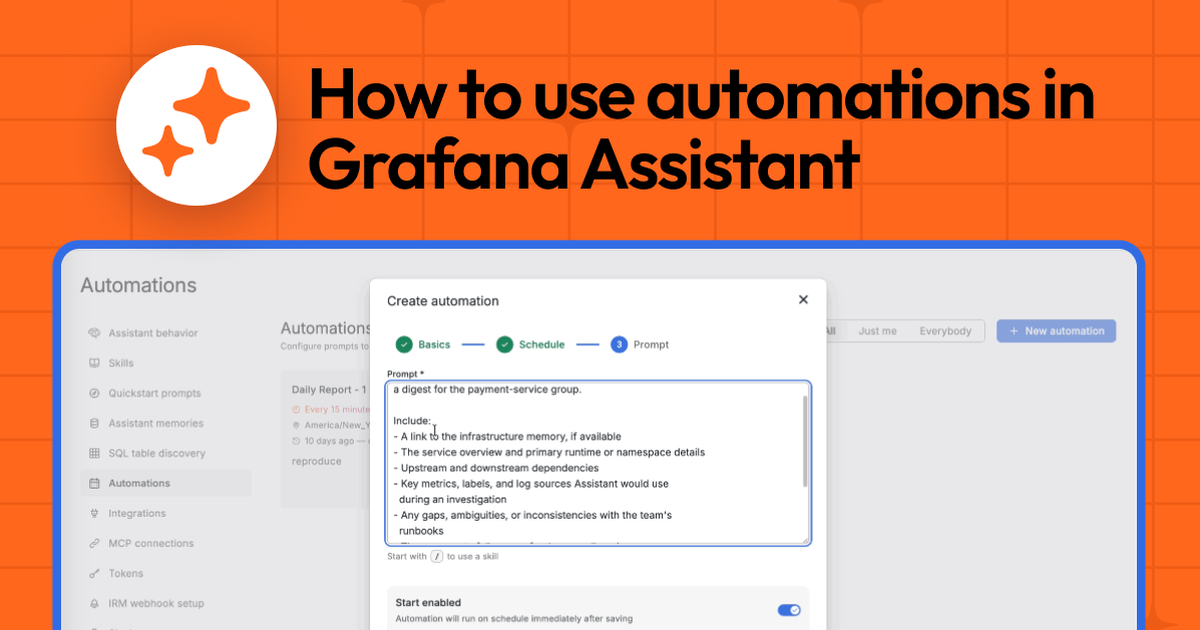
In Grafana Assistant, open Settings → Automations → New automation, then provide:
- A name.
- A prompt, a skill, or both.
- A schedule, or manual-only execution.
- Private or shared visibility.
- A timezone.
Pair automations with skills and rules and ground them in the Knowledge Graph.